Building Life – BLNutrition
Early access to BLNutrition
BLNutrition is not yet publicly available. On this page you will find the information you need to complete the process and access the application.

What is this access?
With early access you can already try new features and improvements that are not in the store version yet.
Choose your platform
Use the same Google account for the group, the testing link and Google Play on your phone. Your Building Life website email does not need to be a Gmail address.
You can continue without creating an account. Progress is saved in this browser when possible.
Started steps (not verified by Google)
-
Step 1 — Join the Google Group
PendingWhat to do: Open the official group and join with the Google account you use on Google Play.
Why: Without group membership, Google will not recognize you as a closed tester.
Order: Complete this step before accepting the closed test.
We recommend finishing the previous step first. You can still open this official link.
Join the Google GroupGoogle does not allow this website to automatically verify this step.
Already in the group? Continue to step 2 with the same Google account. If Play still denies access, wait a few minutes for membership to propagate.
-
Step 2 — Accept closed testing
PendingWhat to do: Open the closed testing link and tap Become a tester / Participate.
Why: Being in the group is not enough: you must also opt in to the test.
Order: Do this after joining the group. Skipping step 1 often causes “you are not a tester” errors.
We recommend finishing the previous step first. You can still open this official link.
Accept closed testingGoogle does not allow this website to automatically verify this step.
If Play says you cannot join yet, confirm you used the same Google account as in the group and wait a few minutes.
-
Step 3 — Install BLNutrition
PendingWhat to do: Open the official Play Store listing and install BLNutrition.
Why: This is the last step once the group and opt-in are done with the same account.
Order: Install only after steps 1 and 2. Otherwise the test build may not appear.
We recommend finishing the previous step first. You can still open this official link.
Open on Google PlayGoogle does not allow this website to automatically verify this step.
Cannot install? Check the Google account on your device, wait for propagation, or contact Building Life.
Useful reminders
Should I follow the steps in order? Yes. Joining the group, accepting the test and installing must happen in that sequence.
Does my Building Life email need to be Gmail? No. Only your Google account on Groups/Play matters for eligibility.
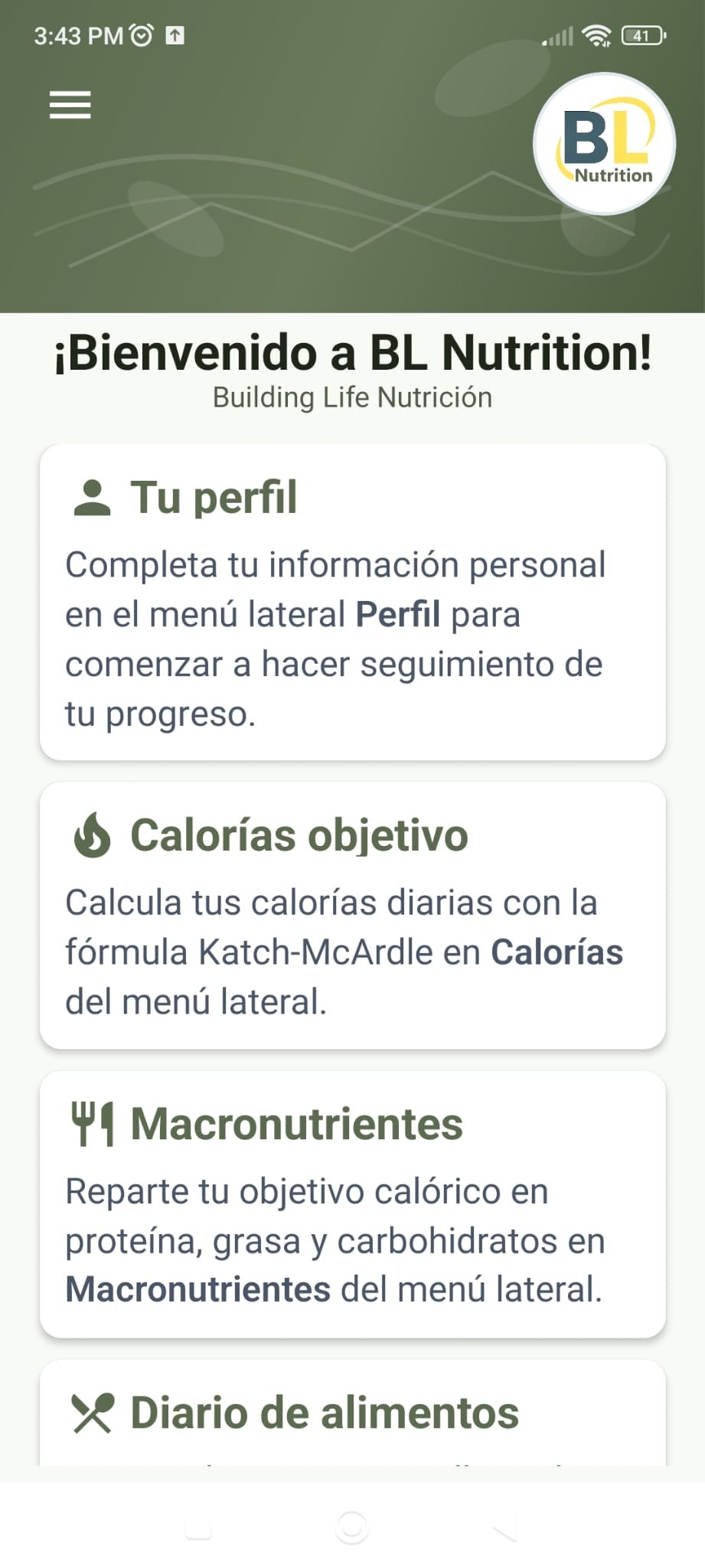
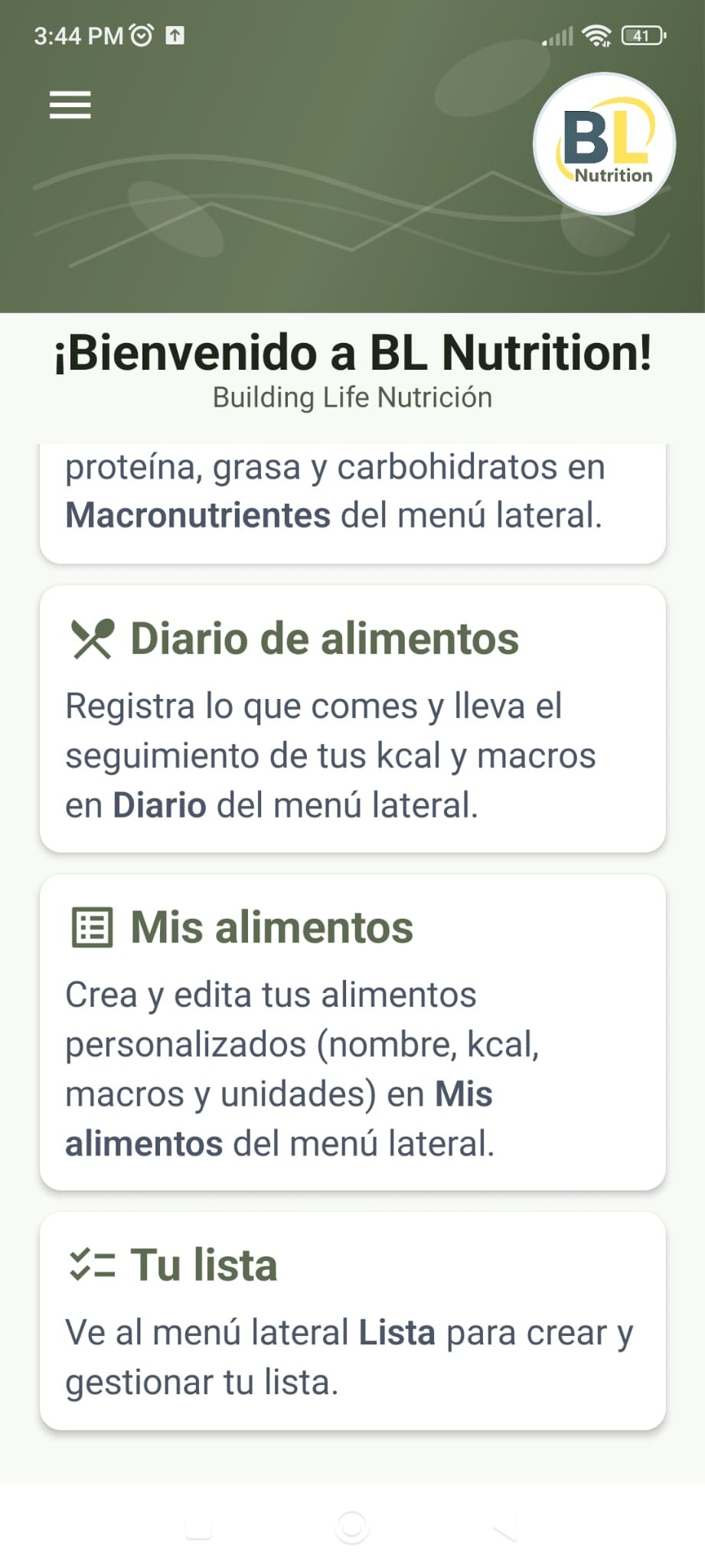
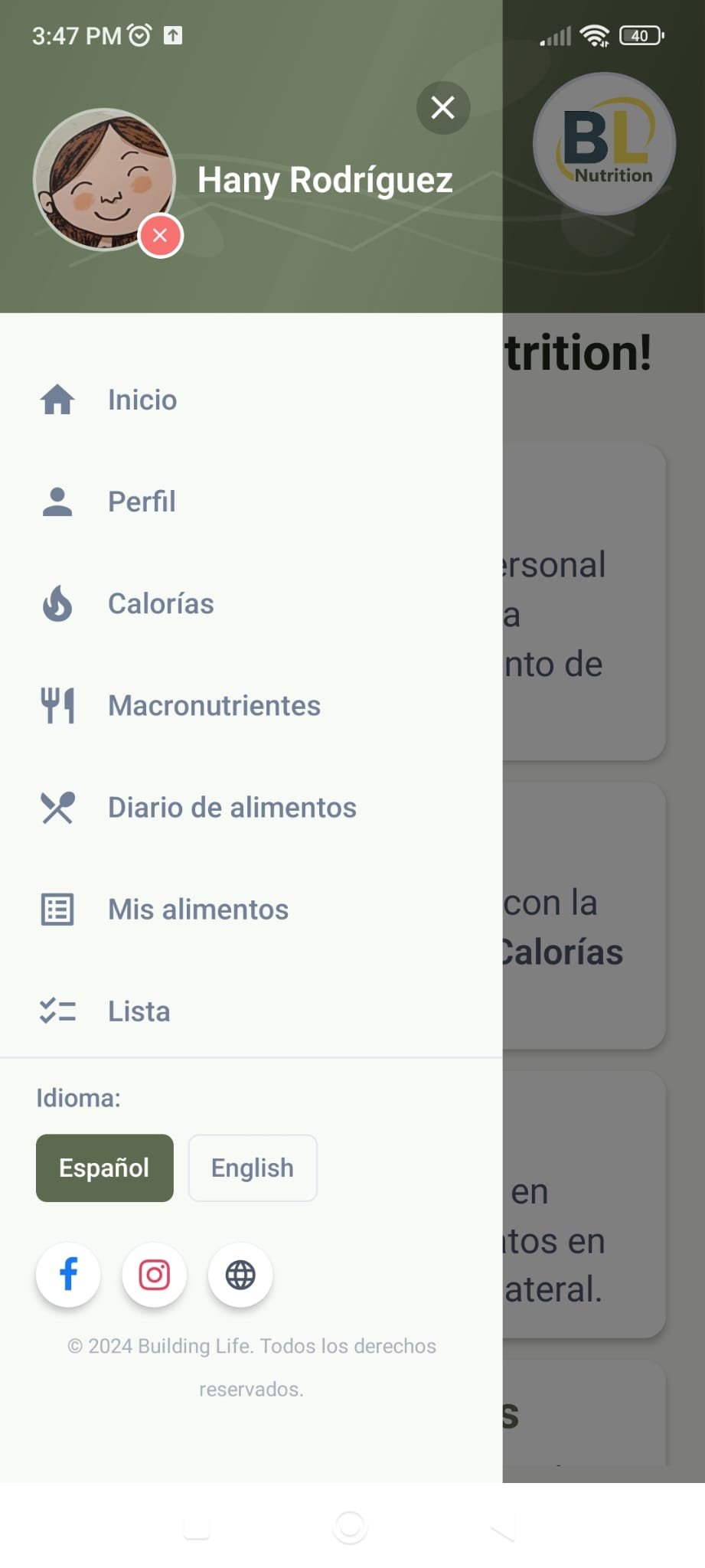
Preview
Frequently Asked Questions
Do I need to have Android?
Yes. Currently, this access is intended for the Android version available through Google Play.
Can I install the app immediately?
You will be able to install it once access is enabled for the Google account you are using to participate in early access.
What do I do if I can't install the app?
Make sure you're using the correct Google Play account you used for the process. If the problem persists, contact Building Life.
Thank you for being part of Building Life.
Build life.
— Building Life Team